Your rhythm, on the page
Every thing keeps a history, a usual gap and a small rhythm chart, so you can see what normal looks like for you.
Days since, for the things you want to keep
Lasts counts the days since you last called, walked, watered or wrote. One number for each thing you care about, and a calm color that warms as time passes. No scorekeeping, no guilt.

The warmth ramp
Each thing has its own usual rhythm. A card starts green, turns yellow, then orange, then coral as the gap grows past what's normal for it. Drag the slider to feel it.
usually every 10 days
The whole loop
A person, a practice, a small ritual. Say how often feels right, in days.
It counts up on its own. The card color and your widgets keep it in view without nagging.
When you do the thing, tap once. The number rolls back to zero and a soft green settles in.

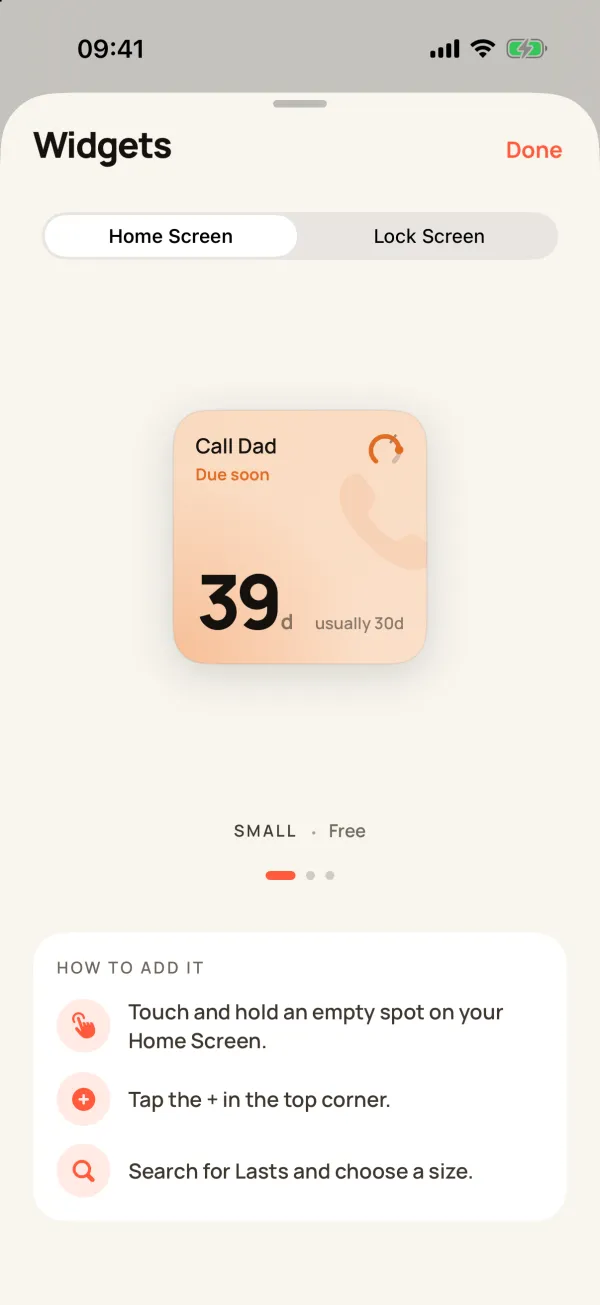
Home Screen and Lock Screen widgets
Pick one thing for a Small or Lock Screen widget, three for Medium, or six for Large. You choose the order, and the widgets carry the same warmth as the app.
The Small widget is free. Lock Screen, Medium and Large come with Pro.
Five themes
Light, Auto, Dark, Paper and Mono. Auto follows your iPhone. The warmth stays readable in every one.
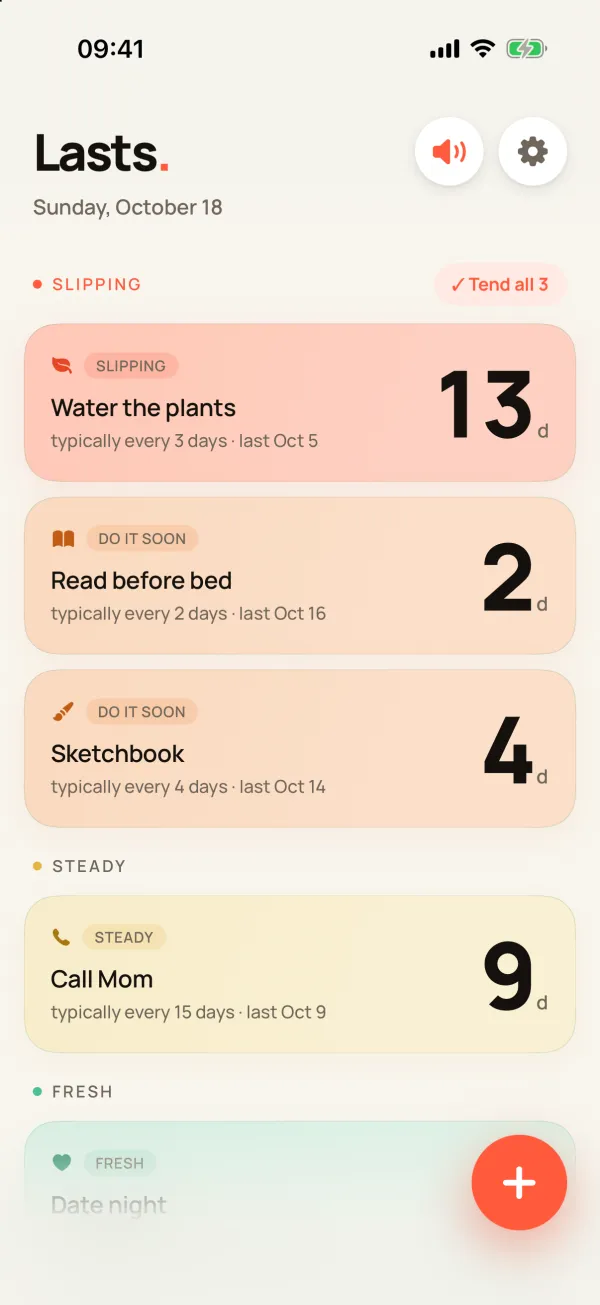
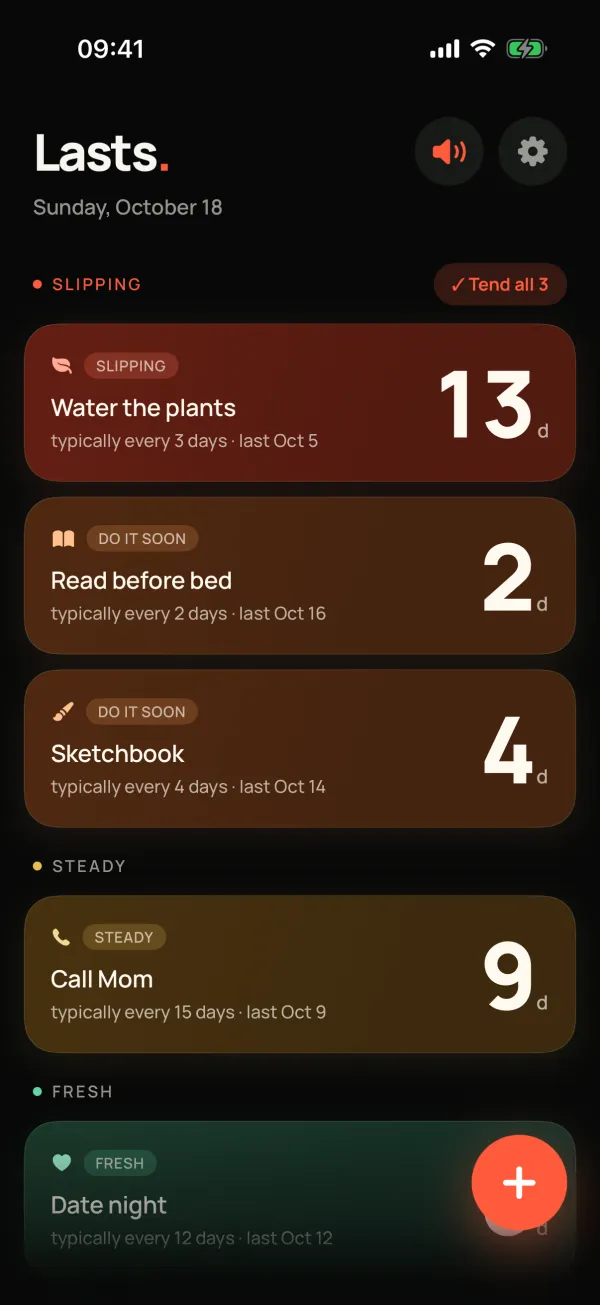
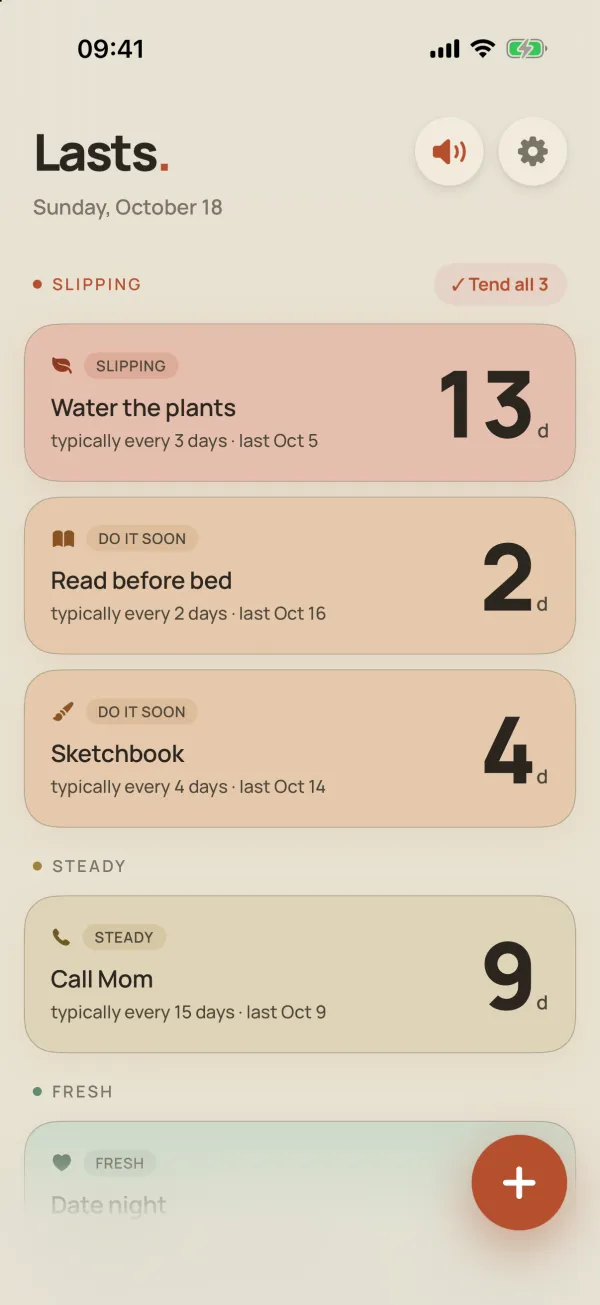
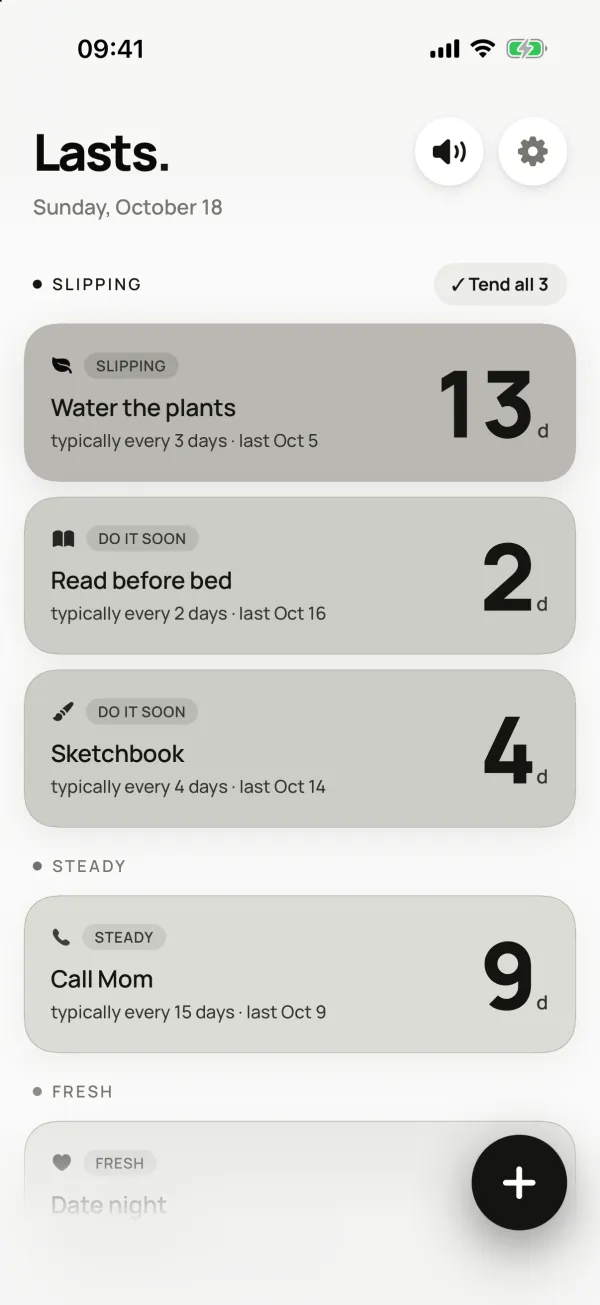
Light and Auto are free. Dark, Paper and Mono come with Pro, along with the Ink, Zero and Mint app icons.
Year in Review
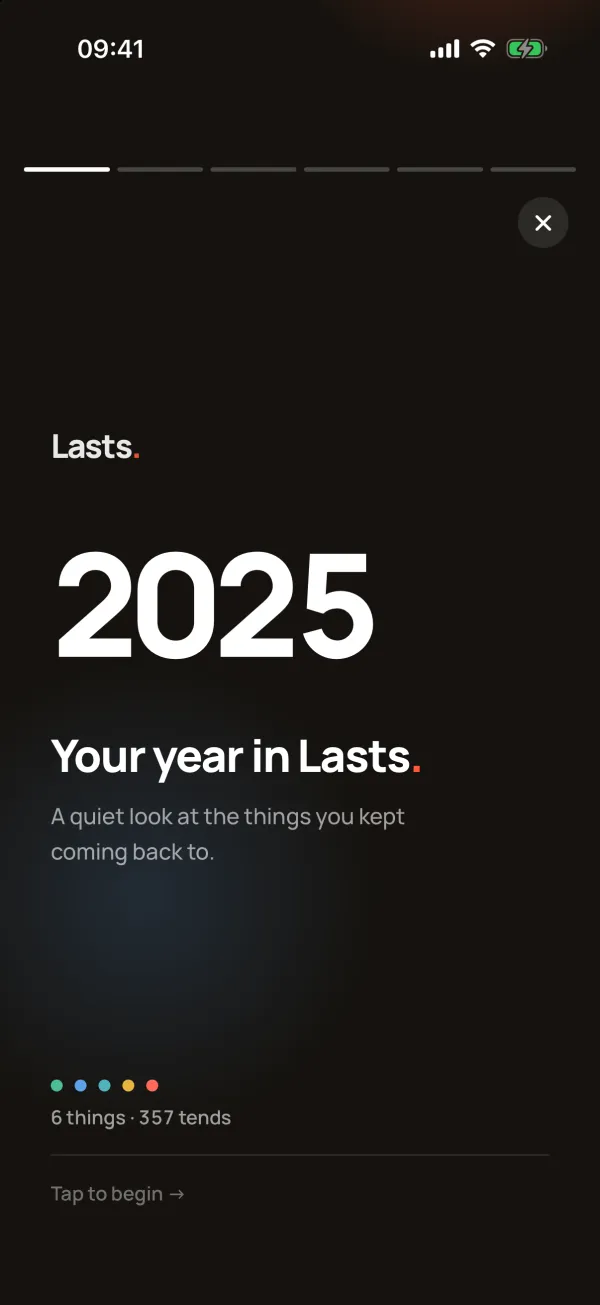
Once a year, Lasts shows what you kept coming back to: how many things you tended and how often. It's free, and it only ever speaks kindly.
Built to stay calm
Every thing keeps a history, a usual gap and a small rhythm chart, so you can see what normal looks like for you.
Gentle sends one calm note per thing, at most about once a week. Pro adds Attentive, with early heads-ups, morning and evening times, and quiet hours.
Your things live on your iPhone. There's no account, no ads and no tracking. Read the privacy policy.
Turn it on to keep your things in your private iCloud. It's off until you choose it.
You name each thing and set its usual gap. Lasts never decides what counts as enough.
Tending a thing rolls the number back to zero with a soft green bloom and a quiet exhale. The whole app is built around that moment.
Pricing
Lasts
Lasts Pro
The yearly plan is about $0.29 a week and starts with a 7-day free trial when you're eligible. Weekly and yearly plans renew automatically until you cancel in your Apple Account settings. Lifetime is a one-time purchase.
Good to know
No. Lasts works as soon as you open it and keeps your things on your iPhone. If you want, you can turn on iCloud sync to use your private iCloud.
That's the one thing it's designed not to do. There are no grades, no scores and no red alarms. The number is just the number, and the color is a soft hint.
Nothing about what you track. Your things stay on your device. Purchases are handled by Apple and RevenueCat, using an anonymous ID. Lasts has no product analytics and doesn't track you. The privacy policy has the details.
Apple handles payment. You can restore purchases inside Lasts and manage or cancel a subscription any time in your Apple Account settings.
Lasts needs iOS 17 or later.
More in the guides: the best days since apps, a habit tracker without streaks and days since widgets.